01
Hear you.
Hold a push-to-talk hotkey from anywhere in your OS. Groq Whisper transcribes in real time.
Voice AI for your desktop
Hold a hotkey. Ask anything about what's on your screen. Flicky answers out loud — and points.
Free · MIT licensed · bring your own API keys
Hold a push-to-talk hotkey from anywhere in your OS. Groq Whisper transcribes in real time.
A screenshot is captured every turn. Claude or GPT reasons about what you're looking at.
ElevenLabs TTS — your pick of voice, stability, and speed. Ambient, not robotic.
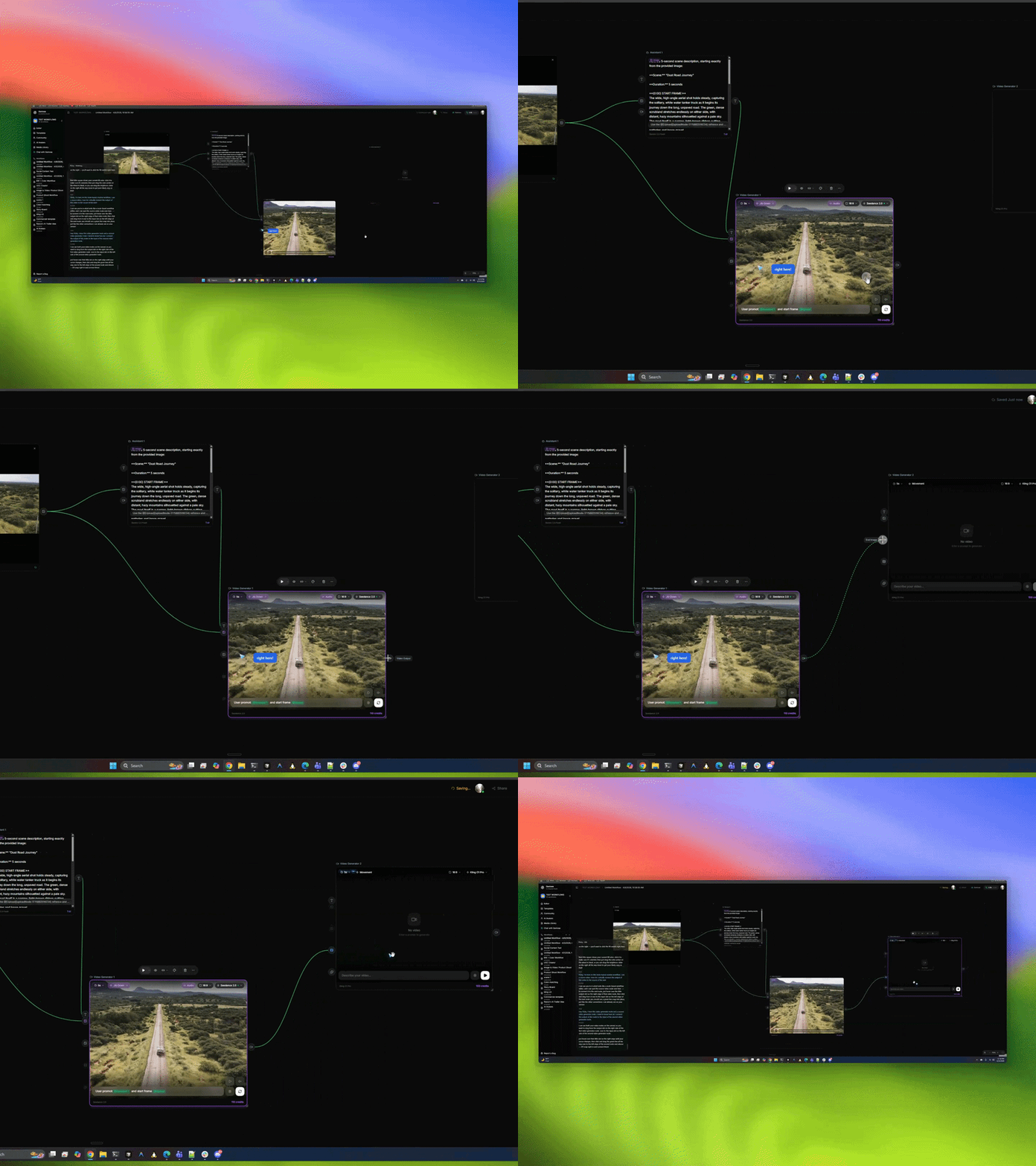
When Flicky mentions something on screen, a blue pointer flies to the exact spot.
Every chat is stored on your machine. Keys are encrypted at rest. Nothing lives on our servers — because there aren't any.
Flip between Claude Sonnet / Opus 4.6 and GPT-5 / GPT-5 mini / GPT-4o any time. Reasoning depth is a slider.
As conversations get long, Flicky auto-compacts older messages into a summary. A single chat can run forever.
Downloads are built and signed from every tagged release on GitHub. Pick your platform.
You'll need your own API keys for the providers you want to use — Anthropic or OpenAI, ElevenLabs, and Groq. Add them in the app. They never leave your machine.
Credit where it's due.
Flicky is an independent, cross-platform reimagining of Clicky by Farza — the original macOS app that invented the hold-a-hotkey, get-a-pointing-cursor interaction. Every bit of that vibe is his. Flicky rebuilds the same idea in Electron so people on Windows and Linux can try it too.
If you liked Flicky, also go star farzaa/clicky.